Innovus® decors for CAD systems – ready to be integrated directly into your project
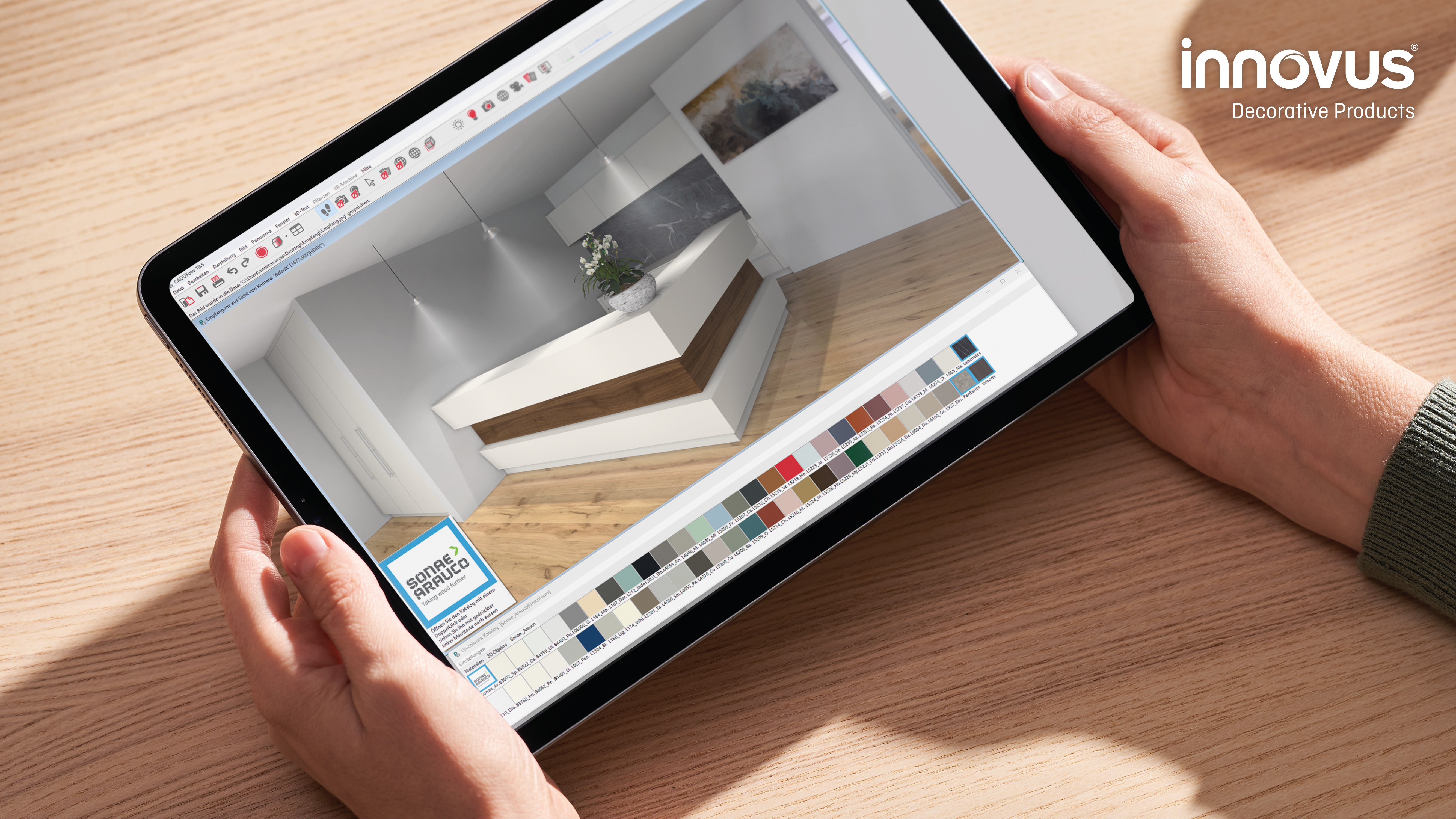
Our high-quality Innovus® surfaces are now available as digital textures – for realistic planning and visualization.
With CAD- and BIM-ready decors, you can make your projects more visual, save time during implementation, and get an accurate representation of our sustainable materials. Via the mtextur platform, the textures can be easily used in programs such as Revit, ArchiCAD, Vectorworks, or SketchUp.
Get started now: Select your decors and take your CAD projects to the next level.
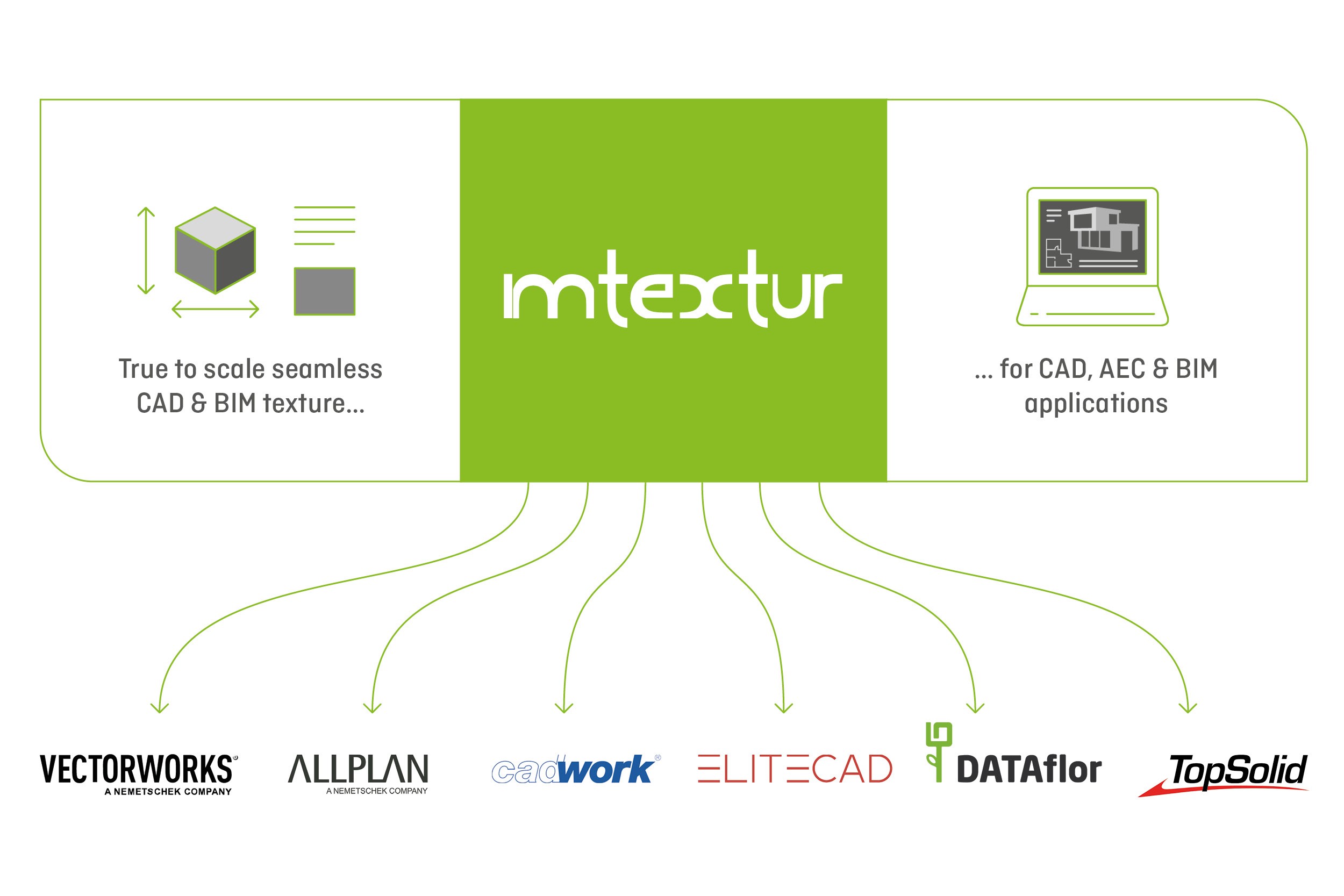
With mtextur's Material Finder, you can search specifically for individual Innovus® decors and download the corresponding CAD or BIM files directly. This allows you to easily integrate your desired decors into your projects and save valuable planning time.
Select Your Product Group
For better clarity, the textures in the Material Finder are sorted into the groups Woods, Unis, Fantasies, Laminates, and Coloured MDF. With a click on 'Product Line' you can display the individual groups. Afterwards, the matching CAD or BIM files can be downloaded directly and easily integrated into your project.
| Software (excerpt) |
Application area | Import CAD texture (manual) |
CAD & BIM texture (interface) |
Video Vimeo |
|---|---|---|---|---|
| Allplan | Architecture, Design, Rendering | ✓ | ✓ | ▶ |
| Archicad | Architecture, Design, Rendering | ✓ | ▶ | |
| AutoCAD | Architecture & Design | ✓ | ||
| AutoCAD 3ds Max | Rendering, Design | ✓ | ||
| Cadwork Timber Construction | Timber construction, Architecture, Rendering | ✓ | ✓ | ▶ |
| Cadwork Engineering | Timber construction, Architecture, Rendering | ✓ | ✓ | ▶ |
| Cinema 4D | 3D Design, Rendering | ✓ | ▶ | |
| Dataflor Greenxpert | Landscape construction, Rendering | ✓ | ✓ | |
| Dataflor Landxpert | Landscape architecture, Rendering | ✓ | ✓ | |
| Dataflor CADxpert | Landscape architecture, Rendering | ✓ | ✓ | |
| Dataflor GreenStudio 3D | Landscape construction, Rendering | ✓ | ||
| EliteCAD | Architecture, Design, Rendering | ✓ | ||
| Enscape | Rendering & Animation | ✓ | ||
| Lumion | Rendering & Animation | ✓ | ||
| Redshift | Rendering & Animation | ✓ | ||
| Revit | Architecture, Design, Rendering | ✓ | ||
| Rhino | Architecture, Design, Rendering | ✓ | ||
| SketchUp Pro | 3D Design | ✓ | ||
| Spirit | Architecture, Design, Rendering | ✓ | ||
| Topsolid'Wood | Timber construction, Architecture, Rendering | ✓ | ✓ | ▶ |
| Twinmotion | Rendering & Animation | ✓ | ||
| Vectorworks Architecture | Architecture, Design, Rendering | ✓ | ✓ | ▶ |
| Vectorworks Basic | Architecture, Design, Rendering | ✓ | ✓ | ▶ |
| Vectorworks Designer | Architecture, Design, Rendering | ✓ | ✓ | ▶ |
| Vectorworks Interior | Architecture, Design, Rendering | ✓ | ✓ | ▶ |
| Vectorworks Landscape | Architecture, Design, Rendering | ✓ | ✓ | ▶ |
| Vectorworks Spotlight | Architecture, Design, Rendering | ✓ | ✓ | ▶ |
Note: Even if your software is not listed here, any 3D, CAD & rendering software can import CAD textures from mtextur and use them to create visualizations, renderings and photorealistic 3D models. We are not aware of any professional CAD, 3D & rendering software that cannot do this.
Complete package of all Innovus® decors – available on request
If your CAD or BIM software does not support a direct mtextur interface and you would like to integrate all Innovus® decors into your system in one go, we are happy to provide you with a complete package.
Important: This offer is explicitly intended for users who wish to carry out the integration manually. For everyone else, we recommend direct access via the mtextur interface or the material finder.
Please send us your request directly via the contact form – we will be happy to provide the package.




Register now and receive new trends and product news with just one click.